
Add new application
Applications in Robotiq.ai give you access tokens. You use these tokens to read KPI data or to make API calls that run jobs.
You can add two kinds of applications:
- KPI read application: Gives you an access token to read specific KPI data.
- Job create application: Gives you an access token to run a job.
How to Add a New Application
Step 1: Go to Applications
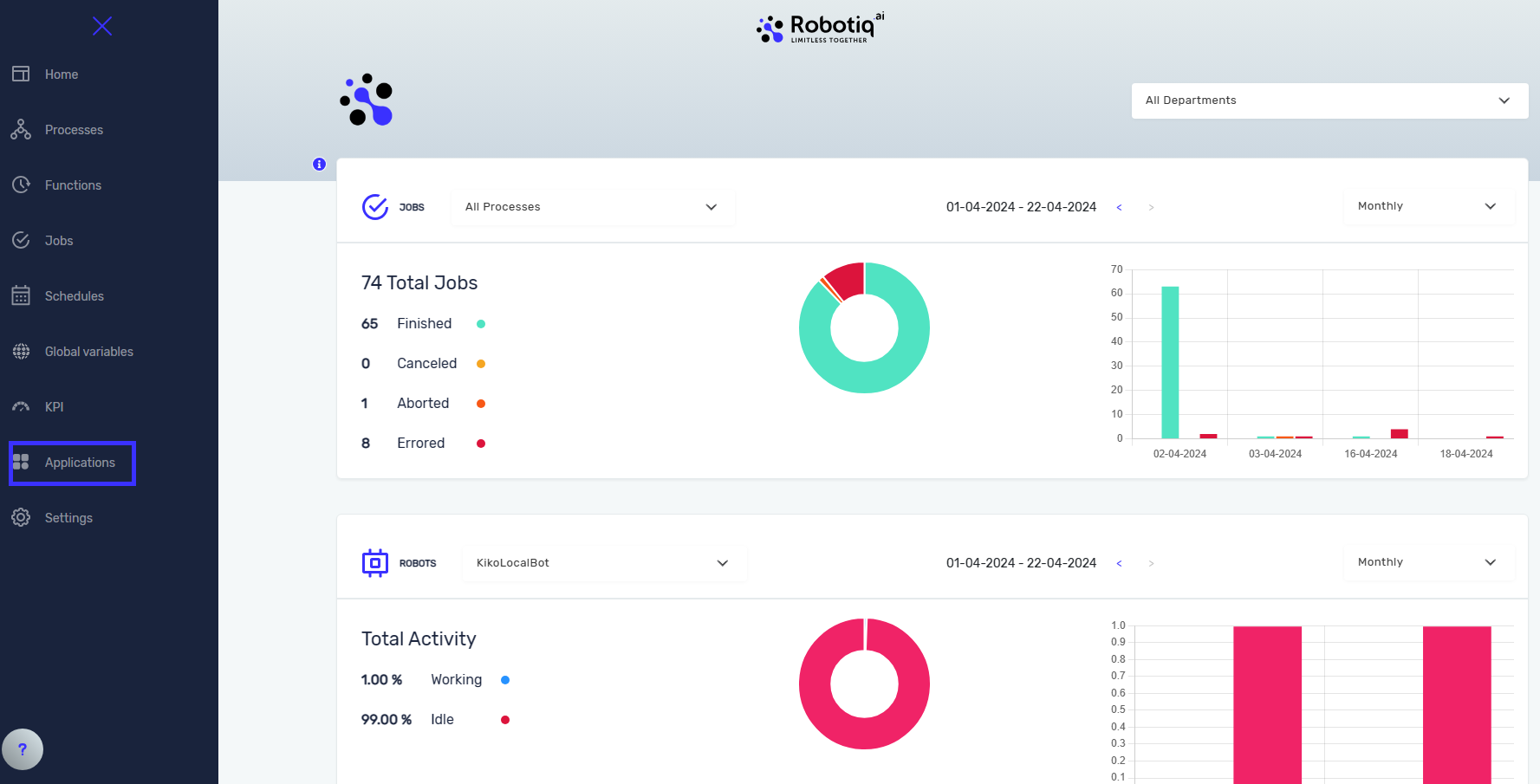
- In the Robotiq.ai platform, go to the Applications menu.
Step 2: Make a New Application
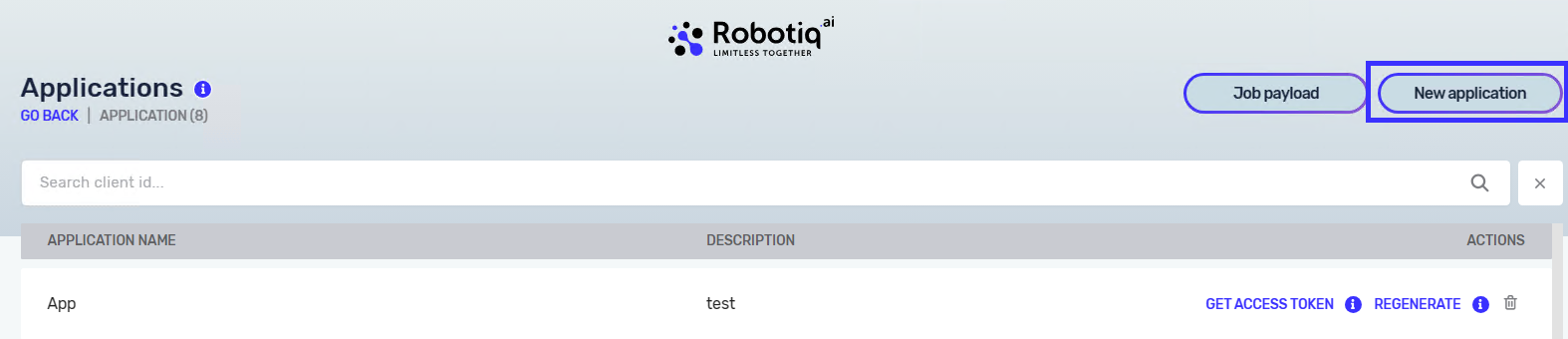
- Click New application. A new window will open.
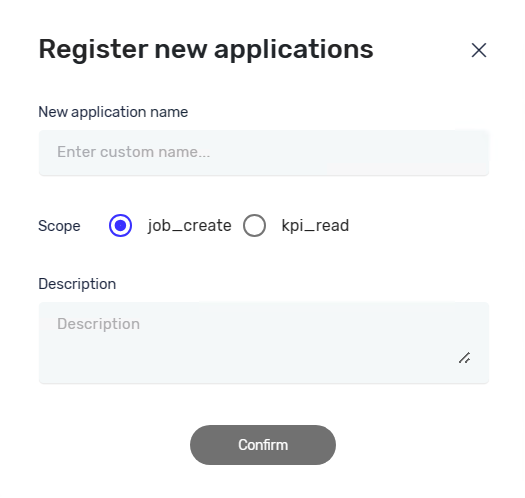
- In the App Name field, type a name for your application. This name will be your client ID.
- In the Application Type field, pick one of these options:
- KPI read application
- Job create application
- Click Create.
Your new application is now ready. You can use it to get an access token.
Related Articles
- Get Access token - Robotiq.ai Help Center
- Reading KPI data - Robotiq.ai Help Center
- Regenerate Token - Robotiq.ai Help Center
Need Help?
Can't find what you're looking for? Join the Robotiq Community to get help from other users and the Robotiq team.