
Plans
This article explains how to see how much of your Robotiq.ai license you've used. It also tells you how to upgrade your plan and what happens if you hit your usage limit. This information is for people who manage their organization's account.
How to Check Your Plan and Usage
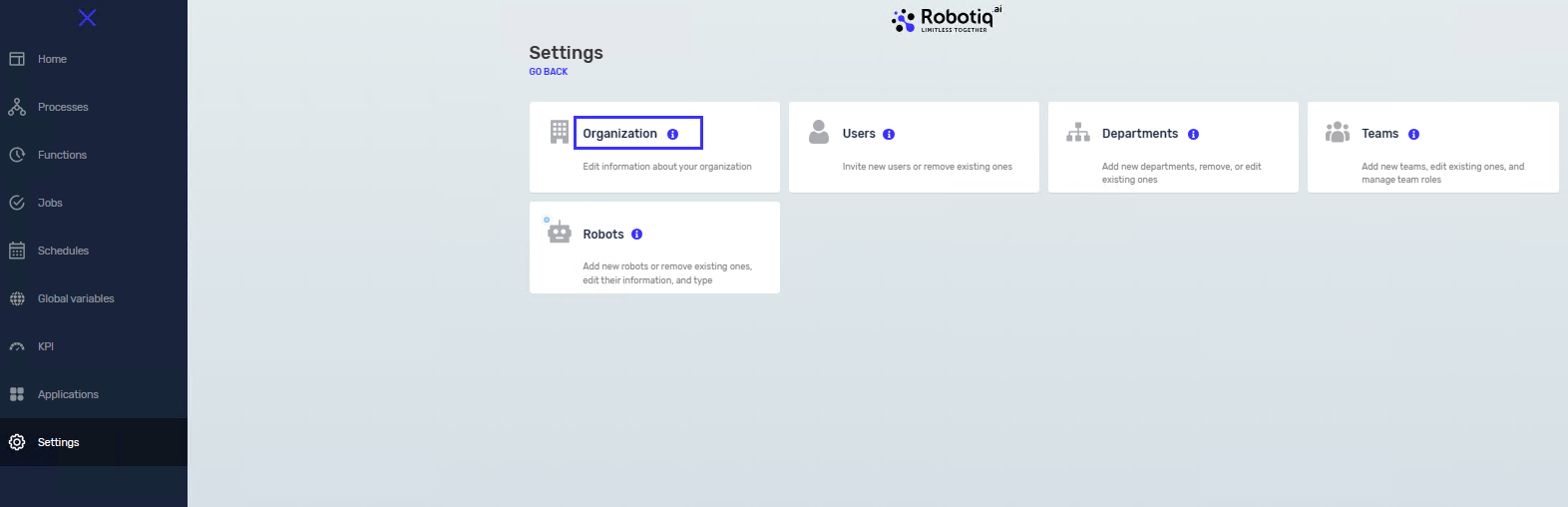
Step 1: Go to Organization Settings
- Log in to your Robotiq.ai account.
- Click on Organization in the menu.
Step 2: See Your Used Time
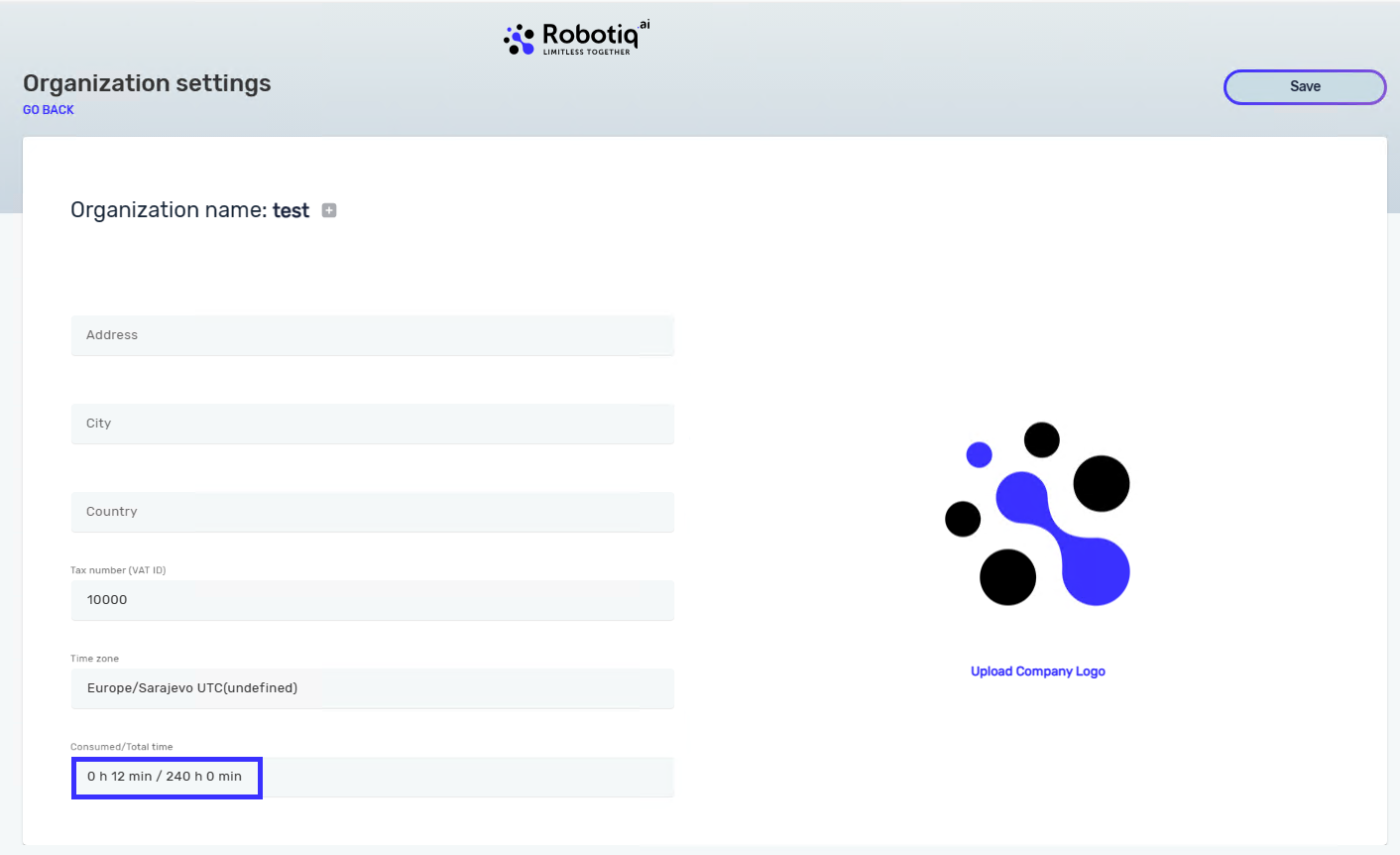
- Look for the "Consumed/total time" section.
- This section shows how many hours you've used and how many are left on your license.
Upgrading Your Plan
If you need more hours, you can upgrade your plan.
- Email info@robotiq.ai to talk about upgrade options.
Usage Notifications
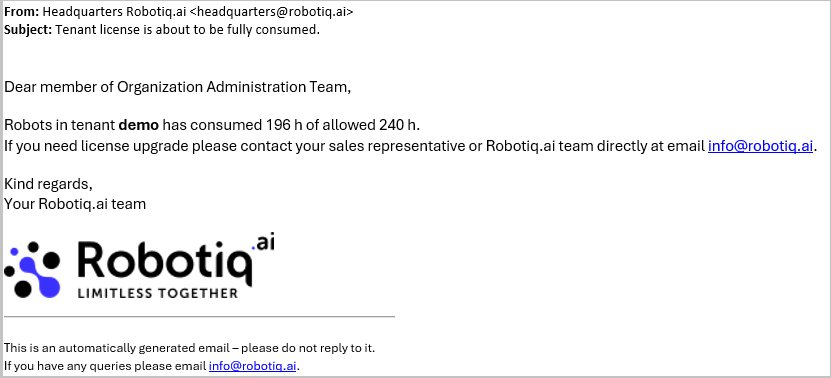
Robotiq.ai sends messages when your organization is close to using up its license.
- When your organization uses 80% of its license, all administrators will get an email.
- Administrators are users on the Organization Administration Team in HQ.
Related Articles
Need Help?
Can't find what you're looking for? Join the Robotiq Community to get help from other users and the Robotiq team.