Regenerate Token
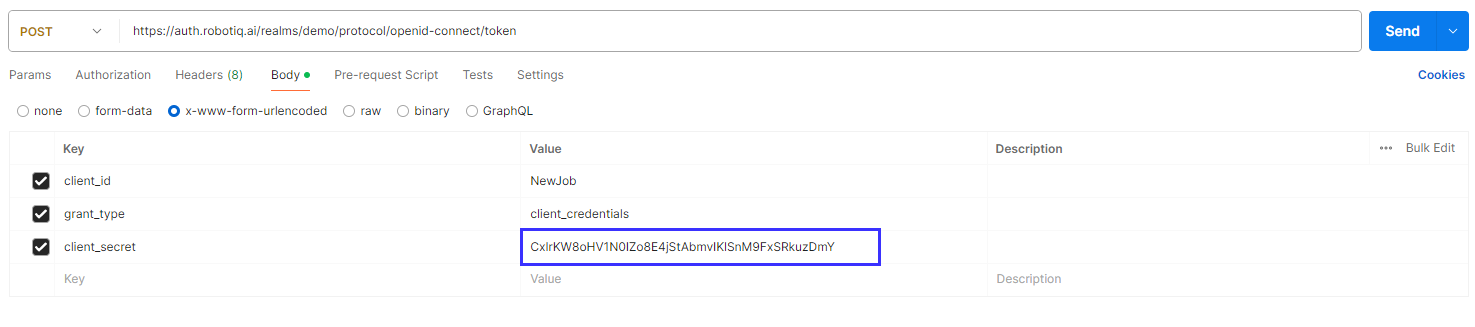
You can regenerate your application token for security reasons. This action makes a new client_secret for your application.
What You'll Need
- Access to your Robotiq.ai application settings.
- An existing application in Robotiq.ai. If you need to make one, see Add new application.
How to Regenerate Your Token
Regenerating your token changes only the client_secret. The client_id and client_credentials stay the same.
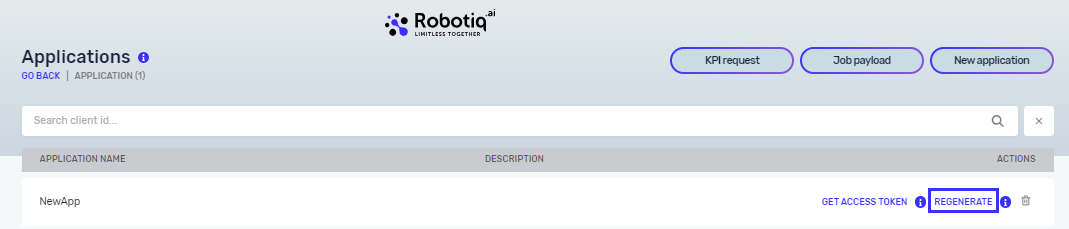
- Go to your application settings in Robotiq.ai.
- Find the option to regenerate the token.
- Confirm you want to regenerate it.
Important: When you regenerate a new client_secret, the old one stops working right away. Any tokens made with the old client_secret will no longer work.
After Regenerating Your Token
After regenerating your token:
- Update applications: If you use the
client_secretin any other applications or API calls, update it with the new one. - Check access: Make sure you know who can access your data and APIs. Check that their security is good enough.
Robotiq.ai does not change these settings automatically. You decide when and if to regenerate your token.
Related Articles
- Get Access token - Learn how to get an access token for an API.
- Security Overview - Learn about the security features of the Robotiq.ai platform.
Need Help?
Can't find what you're looking for? Join the Robotiq Community to get help from other users and the Robotiq team.