Robot Monitoring Tool
The Robot Monitoring Tool (RMT) lets you update your Robotiq.ai robot from a distance. This means you don't have to go into the Virtual Machine (VM) itself to do updates.
What You'll Need
- The admin username and password you got when the robot was installed.
How to Install the Robot Monitoring Tool
Step 1: Download the RMT Installer
- Log in to your Robotiq.ai account.
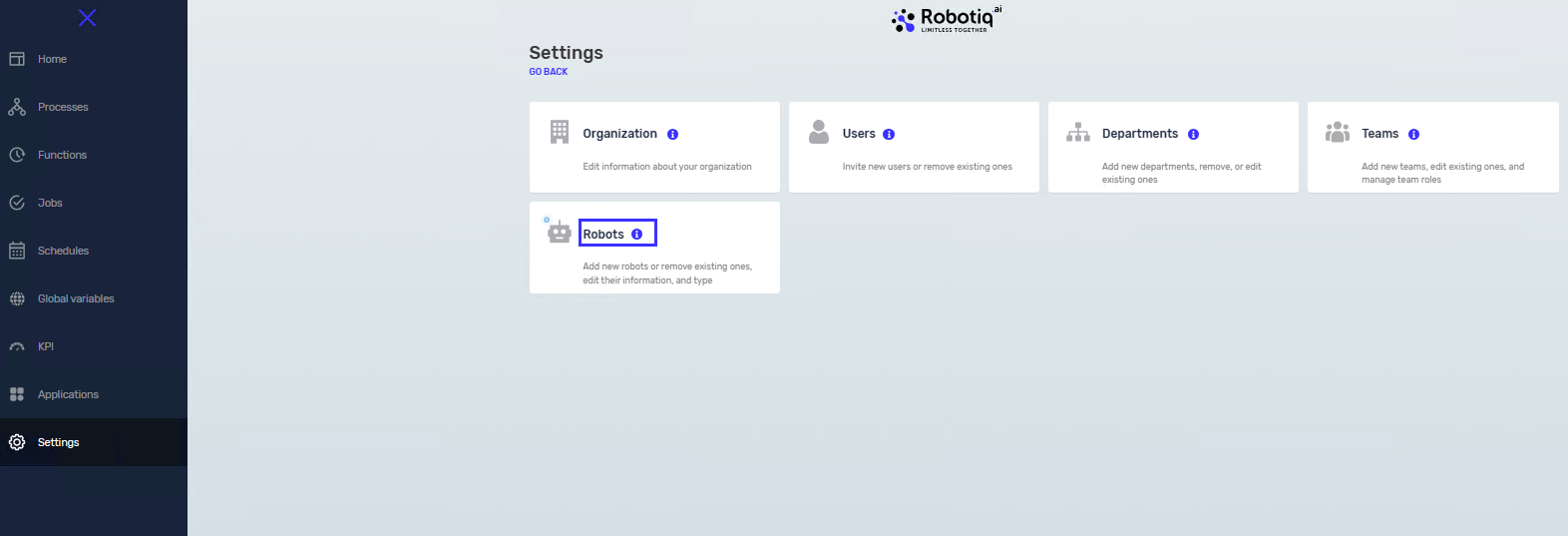
- Go to Settings.
- Select Robot.
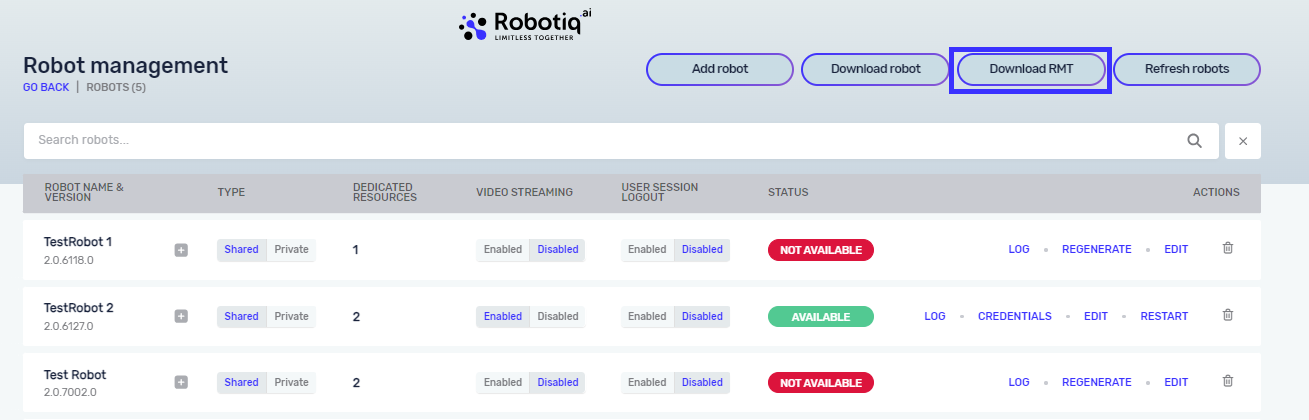
- Click the Download RMT button.
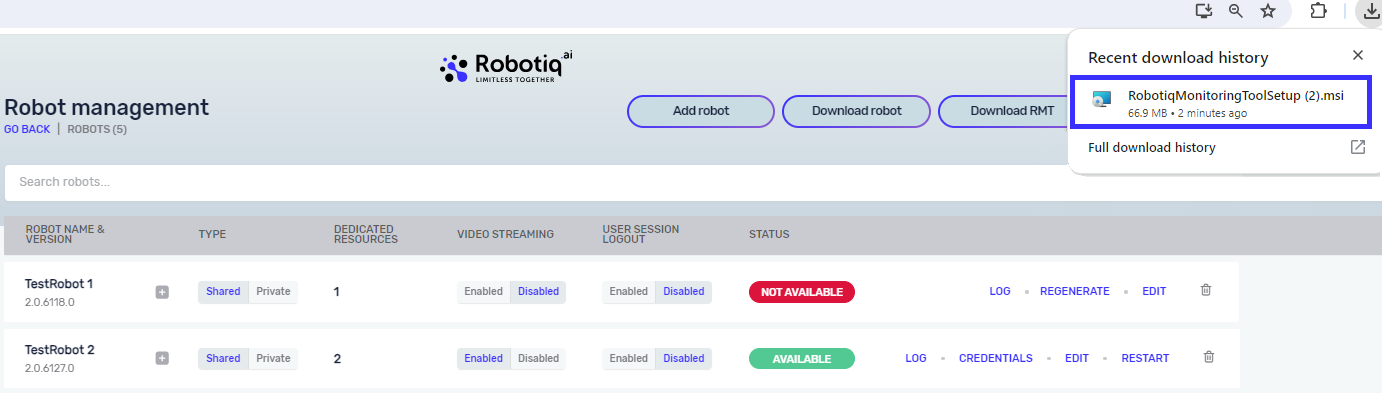
- Follow the instructions on your screen to download the
RobotiqMonitoringToolSetup.msifile.
Tip: Use the Chrome browser for .msi file downloads. If you have trouble opening the .msi file from your browser's recent downloads, look for it in your Windows user downloads folder. This is usually at C:\Users\{Username}\Downloads\.
Step 2: Run the Installation Wizard
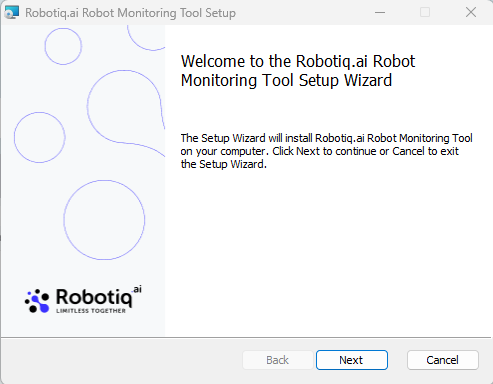
- Double-click the
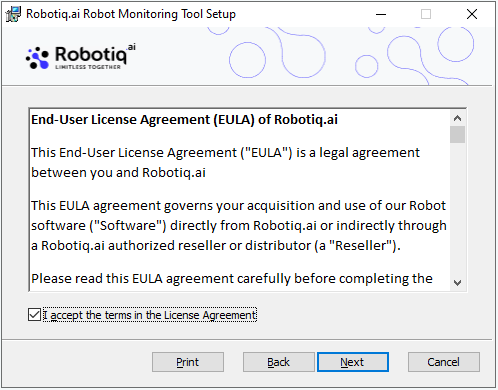
RobotiqMonitoringToolSetup.msifile to open the installation wizard. - Click Next.
- Read and agree to the terms in the End-User License Agreement.
- Click Next.
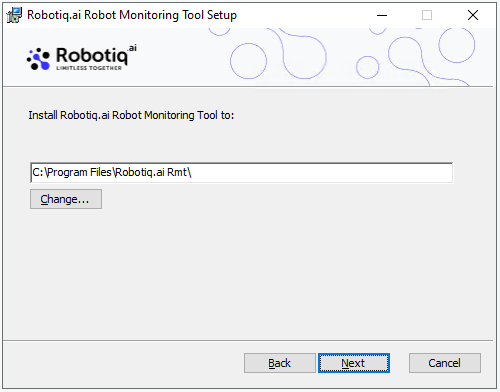
- Pick where you want to install the program.
- Click Next.
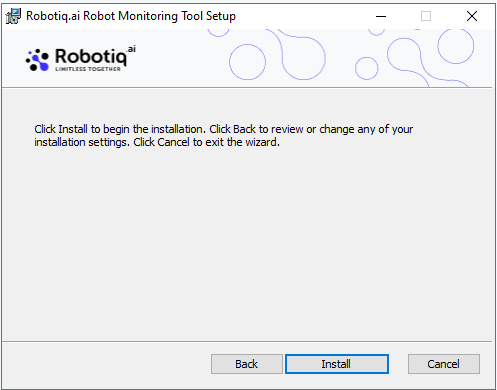
- In the next window, click Install.
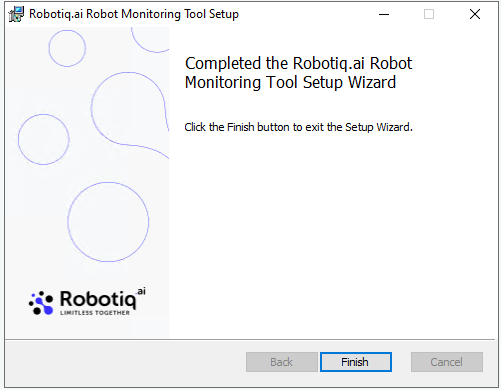
- Click Finish when the installation is done.
Step 3: Restart the VM
- Restart your Virtual Machine (VM).
Related Articles
Need Help?
Can't find what you're looking for? Join the Robotiq Community to get help from other users and the Robotiq team.