
New release
New Steps
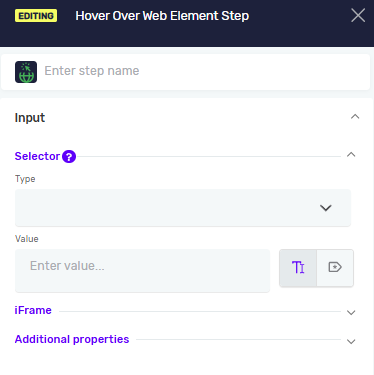
Hover Over Web Element Step
The Hover Over Web Element step moves the mouse pointer over a specified web element without clicking it. It is commonly used to trigger hover-based UI behavior, such as revealing dropdown menus, tooltips, or hidden elements before further interaction.
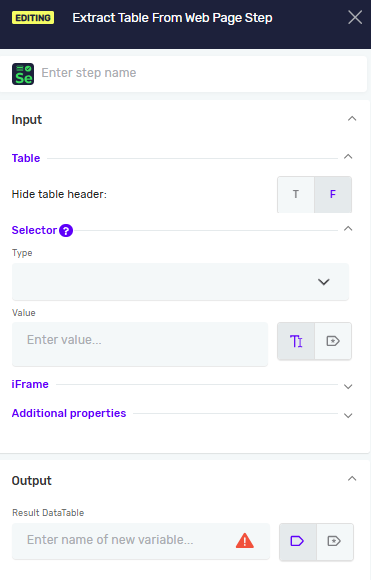
Extract Table From Web Page Step
The Extract Table From Web Page step extracts structured data from a table displayed on a web page. It is useful for collecting and processing data displayed in HTML tables during automation.
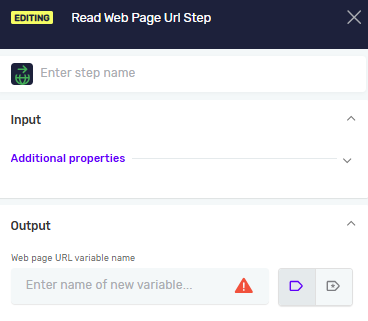
Read Web Page URL
The Read Web Page URL step retrieves the current URL of the active browser page. It is useful for validating navigation results, storing page addresses, and controlling automation flow based on the current location.
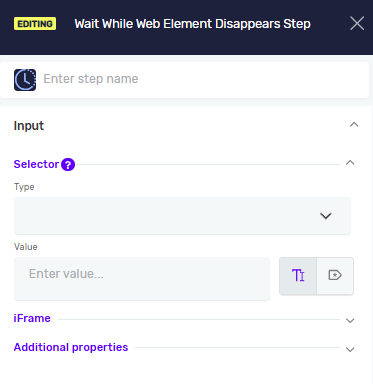
Wait While Web Element Disappears Step
The Wait While Web Element Disappears step waits until a specified web element is no longer present or visible on the page. It is commonly used to synchronize automation with dynamic page updates, loading processes, and completion of web actions.
New features
Element Presence Check on Web Browser Steps
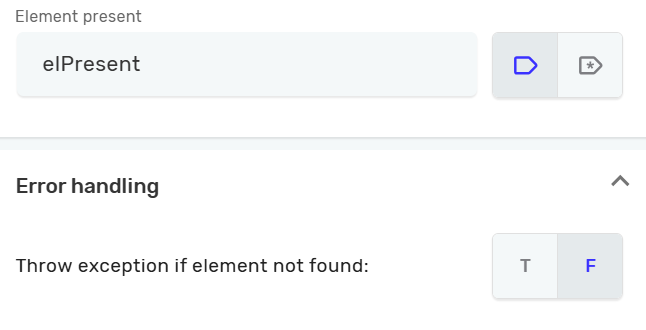
Web Browser steps now include a new Element Present (boolean) output variable, along with a Throw exception if element not found (True/False) setting in Error Handling.
This allows you to check whether an element exists on the page without automatically failing the step, and to control the process flow based on the result - making it easier to build conditional logic depending on whether the element was found.
When Throw exception if element not found is set to True, the step behaves as before: if the element is not found, an exception is thrown immediately, and the Element Present output variable is not available.
When Throw exception if element not found is set to False, the Element Present output variable must be defined to make use of this behavior. Instead of throwing an exception, the step sets the variable to indicate whether the element was found, allowing the process to decide what action to take based on its value.
Existing robots created with earlier versions will continue to behave as before, throwing an exception whenever the element is not found, ensuring full backward compatibility.
Console Output Now Visible in DevelopmentBot Logs
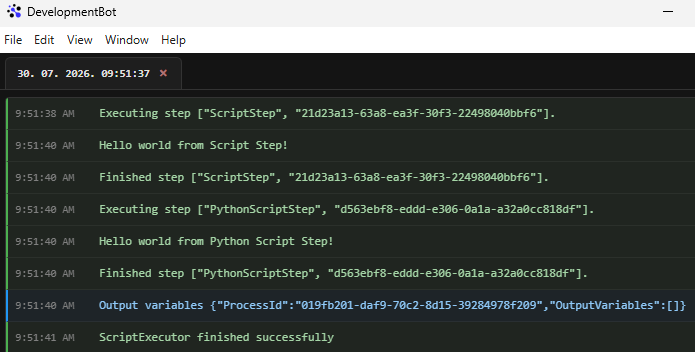
When developing processes in the Development stage using DevelopmentBot, console output from Script Step and Python Script Step is now visible directly in the logs. For example, a print(...) in a Python Script Step, or a Console.WriteLine(...) in a Script Step (C#), will now appear in the log output - making it easier to debug and trace process execution during development.
Fixed bugs
Stop Process Step throwing error after Loop/If step exit
Resolved an issue where the Stop Process Step would incorrectly throw an error after exiting a Loop or If step, ensuring proper process termination behavior.
Fixed duplicate function matching in Execute Function Step
Fixed an issue in the Execute Function Step where the error "Sequence contains more than one matching element" could occur when the same function was used multiple times within a process. Improved execution stability and resolved flaky behavior during function lookup.
Need Help?
Can't find what you're looking for? Join the Robotiq Community to get help from other users and the Robotiq team.